
Excel conversion and connected AI, shaped around your real workflow
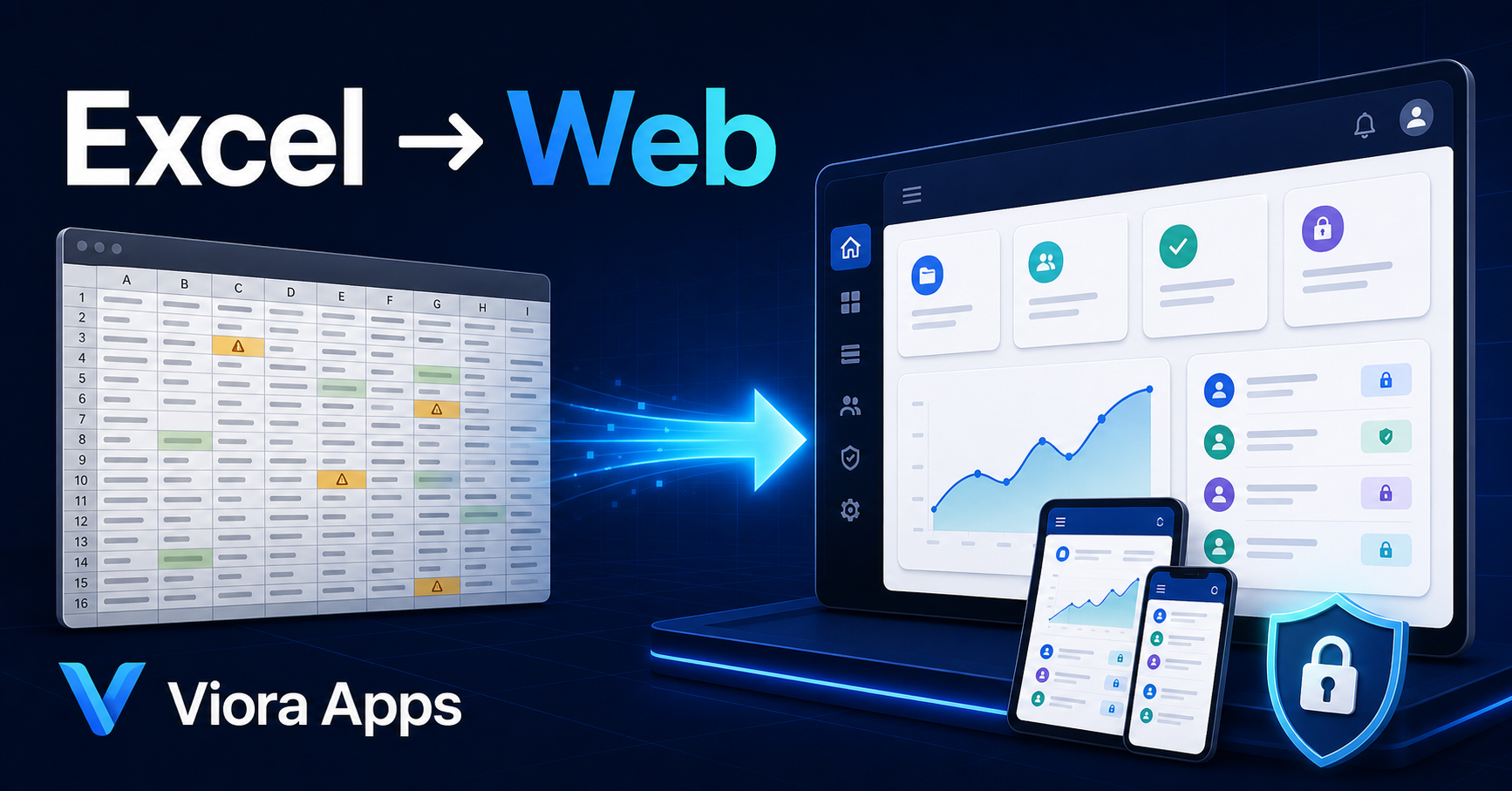
Turn your Excel workflows into a web application with connected AI
Bring orders, production, inventory, customers and reporting into one secure multi-user system. With controlled access to approved data, connected AI analyzes information and provides practical decision support.
- Confidential handling
- No automated sales email
- Estimate before delivery
The Viora digital brochure
Software for the point where real operations outgrow spreadsheets and disconnected tools
From one Excel-based workflow to specialist platforms for production, commerce, healthcare and learning—every solution starts with the work your team actually does.

True collaborationMultiple users without duplicate files
Controlled accessEach role sees only what it needs
Ready reportingDashboards and exports without manual consolidation
Reliable backupsCompany data stays on the server, not personal devices
Is it time to change?
If you recognize any of these signs, your workbook is ready to become an app
Too many file versions
Nobody is sure which copy is current or whose changes are authoritative.
Painful simultaneous entry
Several people need to enter data, but the file locks or changes overwrite each other.
Manual reporting
Management waits for several files to be collected, corrected and reconciled.
Fragile formulas and macros
A small edit can break key logic, with no dependable audit trail.
No remote access
Operational information is tied to one computer or an internal network.
Security and backup risk
Files move through messaging apps or lack a reliable recovery copy.
A clear, reviewable path
From your current workbook to an operational app in five stages
- ۱
Confidential review
We study the file, user roles and the main bottleneck without disrupting current work.
- ۲
Process map and estimate
Scope, timing, price, deliverables and exclusions are made explicit.
- ۳
Usable prototype
Core screens are built with sample data so you can decide before full development.
- ۴
Build and migrate
Approved logic, permissions, reporting and required data move into the system.
- ۵
Launch and support
Training, staged rollout, backups and a defect-support period are included.
A real textile workflow
From production and stock spreadsheets to multi-user fabric-roll traceability
In a real textile workflow, orders, production, warehouse, customers and reports lived across multiple files and forms. The Viora example brings them into a shared workspace with history and management reporting.
- Orders and production planning in one flow
- Fabric-roll and inventory traceability
- Separate access for finance, production and management
- Ready reports and change history
This case demonstrates technical capability and does not reveal any customer-identifying information.
Today's reportTextile operations
In production28
Ready to ship12
Needs review3
A range before the meeting
Start with a clear view of the investment
The final price depends on workbook logic, user roles, reports and data migration.
Reduce decision risk
Prototype
from3,900EUR
- Workbook and process analysis
- Two to three core screens
- Usable web demo
- Full technical and commercial proposal
Most common
Standard conversion
from9,800EUR
- Users and role permissions
- Forms, search and dashboard
- Reports and exports
- Deployment and initial training
Connected workflows
Business system
from24,000EUR
- Workflow and approvals
- Multiple files or departments
- Data migration and audit history
- Support and phased development
Monthly support starts at EUR 490. Hosting, messaging, third-party services and out-of-scope features are priced separately after approval.
A low-risk first step
Send your workbook or describe the workflow for review
Submitting this form does not create a purchase commitment. We only contact you to arrange a review and clarify essential questions.
Confidentiality and data handling
- Your file is never stored in the public website directory.
- It is not used for advertising, model training or sharing with third parties.
- Only authorized people may access it to evaluate this request.
- You may request deletion at any time through the same contact channel.
Frequently asked questions
What should you know before sending a workbook?
Is the Excel file itself published online?
No. Its workflow and logic are normally rebuilt as a database-backed application. End users do not access the original workbook.
Can files with formulas, macros or VBA be converted?
Yes, after dependencies and logic are reviewed. Some logic may be rebuilt on the server for reliability and security.
Can all existing data be migrated?
We assess data quality first, then agree on cleaning and migration. A trial migration is completed before final cutover.
When do we stop using Excel?
Current work continues until the replacement is approved. Cutover is staged and planned with a rollback option.
Who owns the software and data?
The customer owns its data. Code ownership, usage rights and handover are defined clearly in each project contract.
How long does delivery take?
A prototype is typically faster than a complete system. A reliable schedule is provided after reviewing the workbook and workflow count.
The first step is only a review